For months, I went through a phase where every time I wanted to take a photo, the memory was full. Installing apps? Memory full. I had to delete an app before I could download another one, or delete existing photos/videos before taking new ones. Checking storage, it felt like I was only using 20 GB, while 40 GB was used by system data. 40 GB used by system data. Crazy, right?
By the way, my iPhone has 64 GB storage.
I tried researching several ways to reduce storage usage, starting from the device date trick, restarting, offloading apps, deleting photos/documents, uninstalling apps, but the system data storage kept swelling over time.
Until finally, I desperately tried one method: Reset iPhone.
This is actually an old method, but I couldn’t be sure at the time if it would work and if I wouldn’t lose data. But I was desperate, trying it because I couldn’t stand dealing with iPhone storage issues anymore.
Simply put, the method I used can be checked here: https://support.apple.com/guide/mac-help/update-back-up-and-restore-your-device-mchla3c8ed03/mac
The steps start with:
Backup your iPhone. Here I used backup to Mac, so before that, connect the iPhone to the Mac, open ‘Finder’ and find the device.
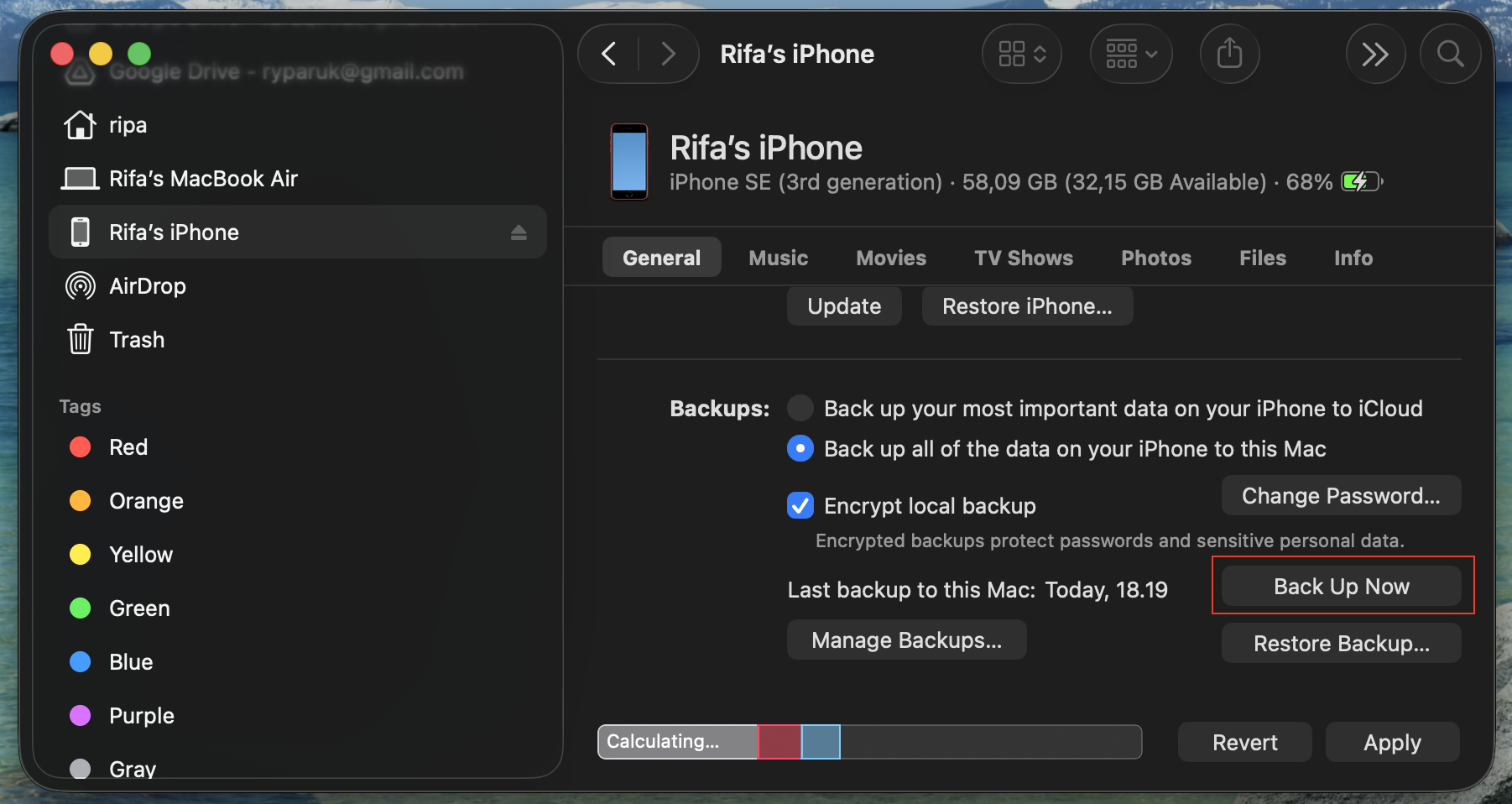
Above is an example after it succeeded. I forgot to document it from the beginning, but you can see now the available storage is huge (that’s also after restoring the iPhone backup).
Reset iPhone. I selected Erase All Content and Settings.
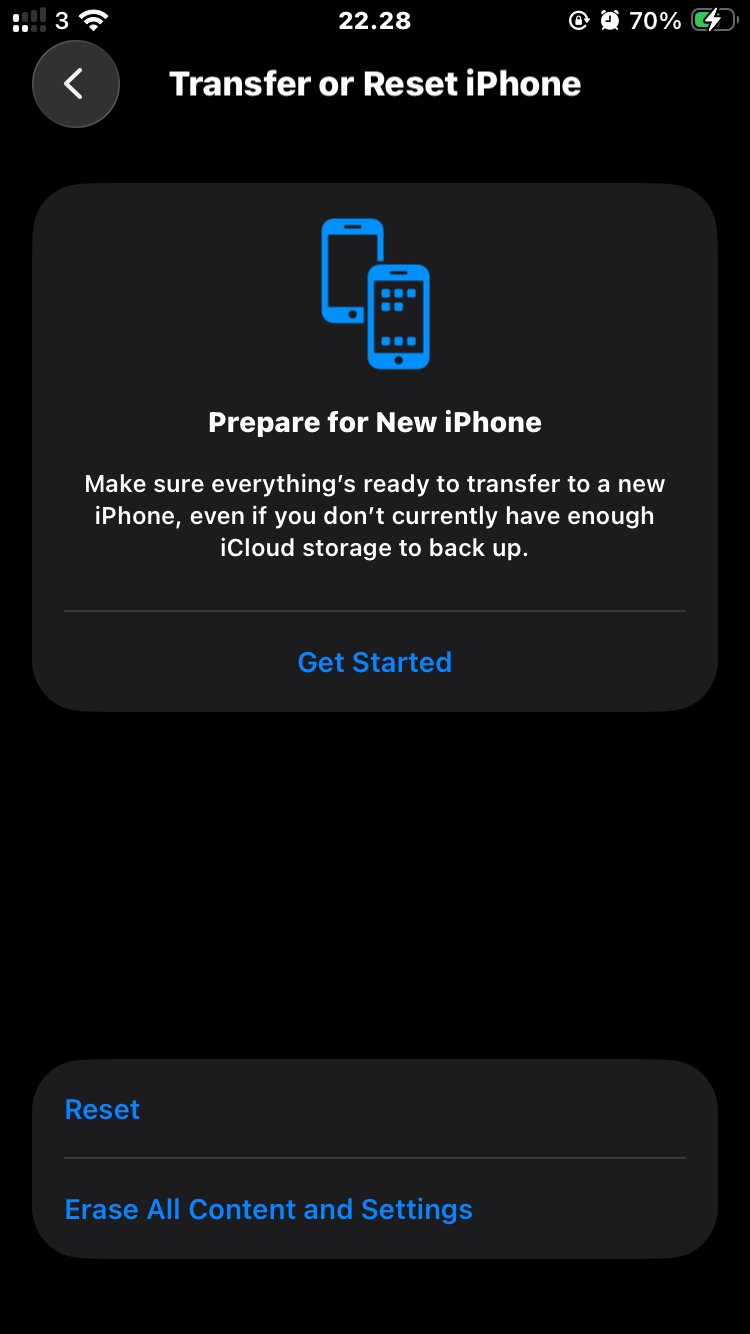
After the process is complete, the iPhone will return to initial settings, and all data has been erased. Then connect it back to the Mac. Later when your iPhone is at the fresh setup stage, there will be a restore option in “Finder” to restore the iPhone. Press that and select the latest backup that was just done.
Wait for a while, and your iPhone storage becomes fresh again lol.
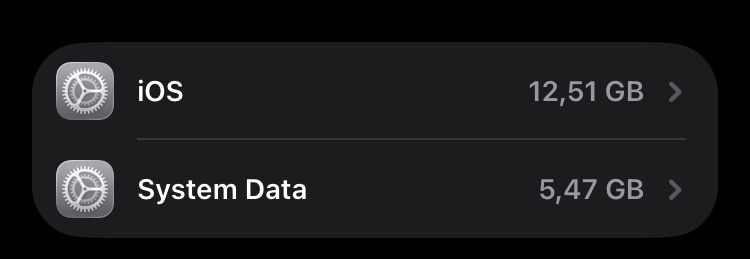
I am sure this will swell again over time. I also always backup photos to Google Photos and some important documents to the cloud, so I don’t worry if my device gets lost or stolen anyway… If it gets full again, I will repeat the same method.
This might be a temporary solution while waiting for Apple to add a clear cache system data feature hehe.
Don’t forget, do it at your own risk.